




















Have questions? Click here

For AEC firms working in Autodesk Forma (ACC), or moving to it

Get your project information under control in Forma

We help your team organise its CDE in Forma and get everyone working in it, on one of your live projects, in three months.

  • Every file has one place in Forma, and everyone works on the current version.
  • Drawings, models and documents are checked and approved in Forma, with a record of who did it.
  • Your team writes its own standard and keeps it running after we leave.
Apply for a free diagnostic session

Free, one hour. You get a preliminary plan.

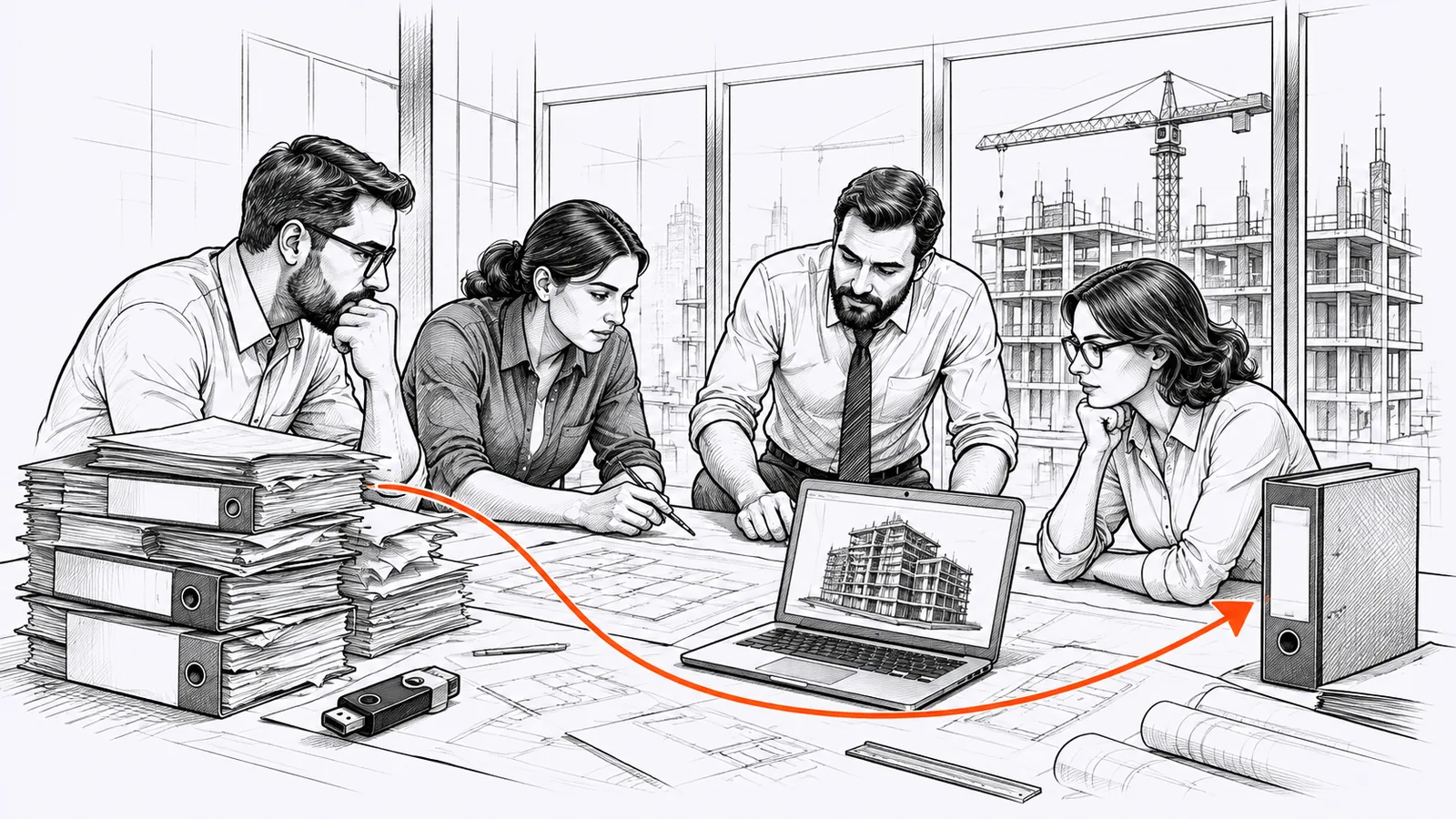
Ink drawing of a design team around a table with architectural drawings and a laptop showing a building model, with a construction site behind the window.

Employees from these companies trusted us and joined our trainings:

  • University of North Florida
  • Vinci
  • Arup
  • Bond University
  • Sweco
  • Skanska
  • Jacobs
  • Wijaya Karya
  • LINK Arkitektur
  • Roche
  • Buro Happold
  • COWI
  • WSP
  • Draisma Bouw
  • Therme Group
  • Multiconsult
  • Gensler
  • Bechtel
  • Arcadis
  • AECOM
  • Fluor

The problems we work on

What goes wrong with project files in your team?

Every office has a different mix. The audit shows which ones are yours.

Ink drawing of a tired engineer at a laptop among binders and stacks of paper.
01

No single place for current project data

Project files are scattered across many places: some in your CDE in Forma, some on local servers, in email and on desktops. Your team is not sure where the current project data is, the data they can trust.

How we approach it

We agree with your team what lives in Forma and what may stay outside it. Models and drawings then link the current file in Forma, not a copy from a server or a desktop.

02

Important decisions based on outdated or wrong project data

Documentation moves between project stakeholders all the time, and without clear, agreed rules for managing it, this often leads to costly errors. It ends in redesign, delays on site and legal disputes.

How we approach it

First we look at the whole flow of information on your project. We map each exchange of information between the different project teams and agree specific rules for each one: what is sent, by whom, to whom and how. This leaves little room for mistakes.

03

Unchecked models reach other disciplines

Models and drawings go to the shared folder in Forma before anyone checks them, so one team’s mistakes reach everyone.

How we approach it

We agree who checks and approves each model and drawing before it is shared, and set up these reviews in Forma.

04

People spend hours looking for the right files

Every project has its own folder structure and naming convention, so people search for the right data in several places.

How we approach it

Your team writes one office standard for folders, file names and a project template, so every project is set up the same way and people know where to look. You start from what you already have and test it on one live project.

Before and after

From scattered information to one organised system in Forma

E6 System, a mechanical design office in Budapest, kept its project information in many places, from email to local servers. The team is now moving its projects into Forma step by step, and its day-to-day workflows increasingly follow a proper CDE process: one current version, clear statuses, less searching.

Ákos Kósa

Ákos Kósa

Managing Director, E6 System

Before

“Our information was spread across many places: emails, chats and the office server.”

After

“Our active projects increasingly run from one place in Forma. We spend less time chasing the latest information, and we catch more issues before they reach site.”

Emails, chats, server → step by step into Forma

Dániel Slenker

Dániel Slenker

BIM Coordinator, E6 System

Before

“I was building templates and training the team on my own, while learning ACC myself.”

After

“Ignacy built a six week plan around our real workflows and stayed along for the pilot to make sure it works in practice.”

Working alone → a six week plan and a live pilot

Already have Forma?

Does Forma (ACC) do real work in your office,
or does it just store files?

“Our software partner already trained us. What's different?”

Such training often shows where to click in the software, not how to use it well. It doesn't decide how to organise data and the flow of information on your projects. Here, your team makes those decisions with me and sets Forma up to follow them, so the know-how stays in your company.

“We have a standard. Nobody follows it.”

A standard written by one person stays on paper. Your team writes it together, with templates and material on how to bring people on board, and every month I check in your hub whether people really work that way.

“We don't have time for another implementation.”

You don't build anything on the side. Your team works on one of your live projects, so the changes go into work you deliver anyway. Your plan sets the order, and you choose the pace.

“Who in our team will do all this?”

Up to three people from your team, usually your BIM or digital manager with one or two colleagues. They don't do it alone: every week we meet live to go through what is done, what is stuck and what comes next.

How it works

You don't need to be an information management expert

We guide you step by step and build your team's in-house know-how, layer by layer.

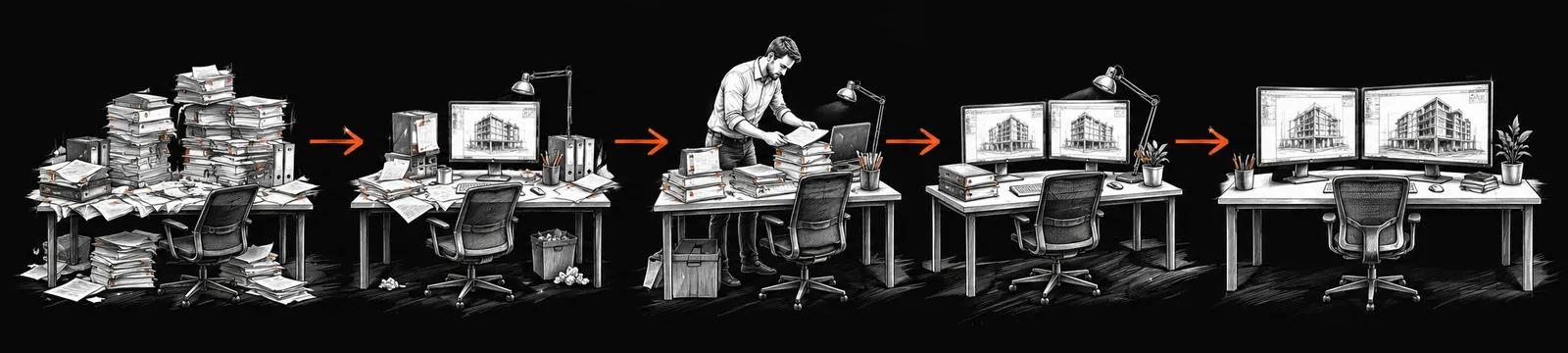
Ink drawing of desks in a row, from piles of paper and binders to a tidy workstation, linked by orange arrows.
  1. 0

    Phase 0: Free diagnostic session

    One hour on a call. We learn what problems your team faces, how information moves through your office and your projects, and what goals your company wants to reach.

    Your outcome: a preliminary plan, how I would solve these problems to get you to your goals, and in what order.

  2. 1

    Phase 1: Audit

    Every company works differently, so we start with a detailed audit. Within the first days your team fills in an audit form about how you work in your system: how your documents are structured, how information moves, and what standards and procedures you have.

    Your outcome: a clear picture of how your company works today, your goals, the bottlenecks to tackle first, and the starting numbers we compare with at the end.

  3. 2

    Phase 2: Implementation plan

    Where you are, where you want to be, and the route between them, week by week. The plan shows which parts of your information management to fix first, why, and what success looks like at each step. We go through it together, and you choose the pace.

    Your outcome: an agreed plan and a dashboard of the measures we track from start to finish.

  4. 3

    Phase 3: Three months on one live project

    Three months of work on one of your live projects, with lessons and templates for each step of your plan. You are not alone with it: a live session every week, a forum for questions, and a monthly review of what has improved in your hub and what has not.

    Your outcome: a live project running the way your plan describes, built by your own team.

  5. 4

    Phase 4: Result

    At the end we look at your dashboard together: what was measured, what changed in how your team works in Forma, and what the change is worth based on your own figures.

    Your outcome: proof in numbers that the new way of working is in place, and a clear next step for what is still missing.

  6. 5

    Phase 5: Scale to your other projects

    Optional. We look at what works on your pilot project and turn those good practices into a template for your next projects, so new people and new projects start the same way.

    Your outcome: one way of working that you can repeat on every project.

What you build

Here's what your team builds in three months

From how you work today to one live project you can measure.

A designer at a laptop among printouts, binders and a USB drive.

Step 1

Audit and plan

We map how your company works, agree a plan and choose the KPIs.

  • Full company context
  • Action plan
  • KPIs
A team around a table agreeing who creates, checks and approves drawings.

Step 2

Set up your standards in Forma

Your team writes its own standards and sets Forma up to follow them.

  • Naming
  • Review and approval
  • Transmittals
  • Permissions
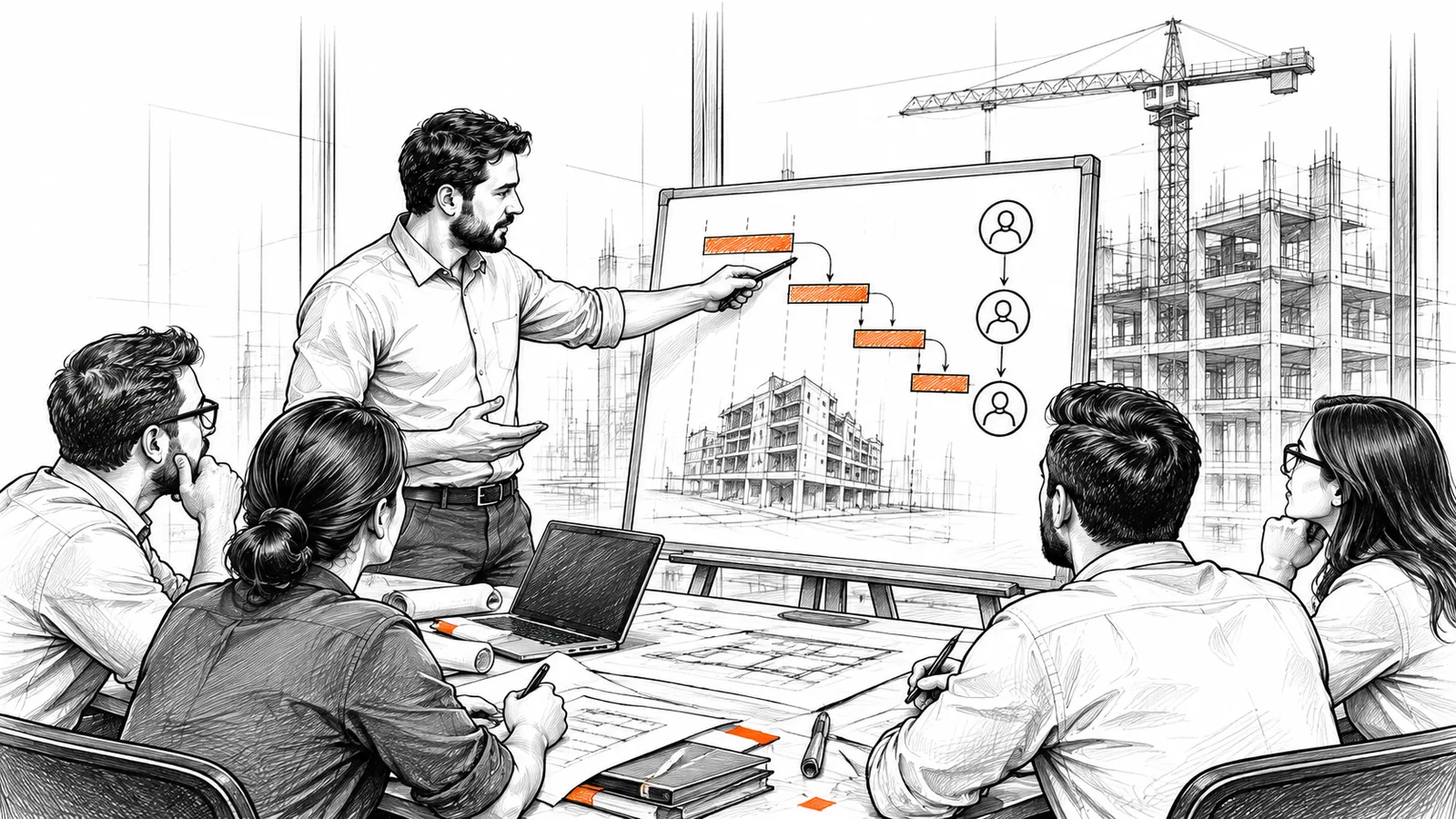
A manager pointing at a simple progress chart on a board.

Step 3

Measure, improve, scale

One live project runs the new way. You track it on a dashboard, fix what doesn't work, and get a template for your next projects.

  • New procedures
  • Dashboards
  • Template for other projects

Programme scope

What do you get in CDE ROI Accelerator?

Three months on one of your live projects, for up to three people from your team.

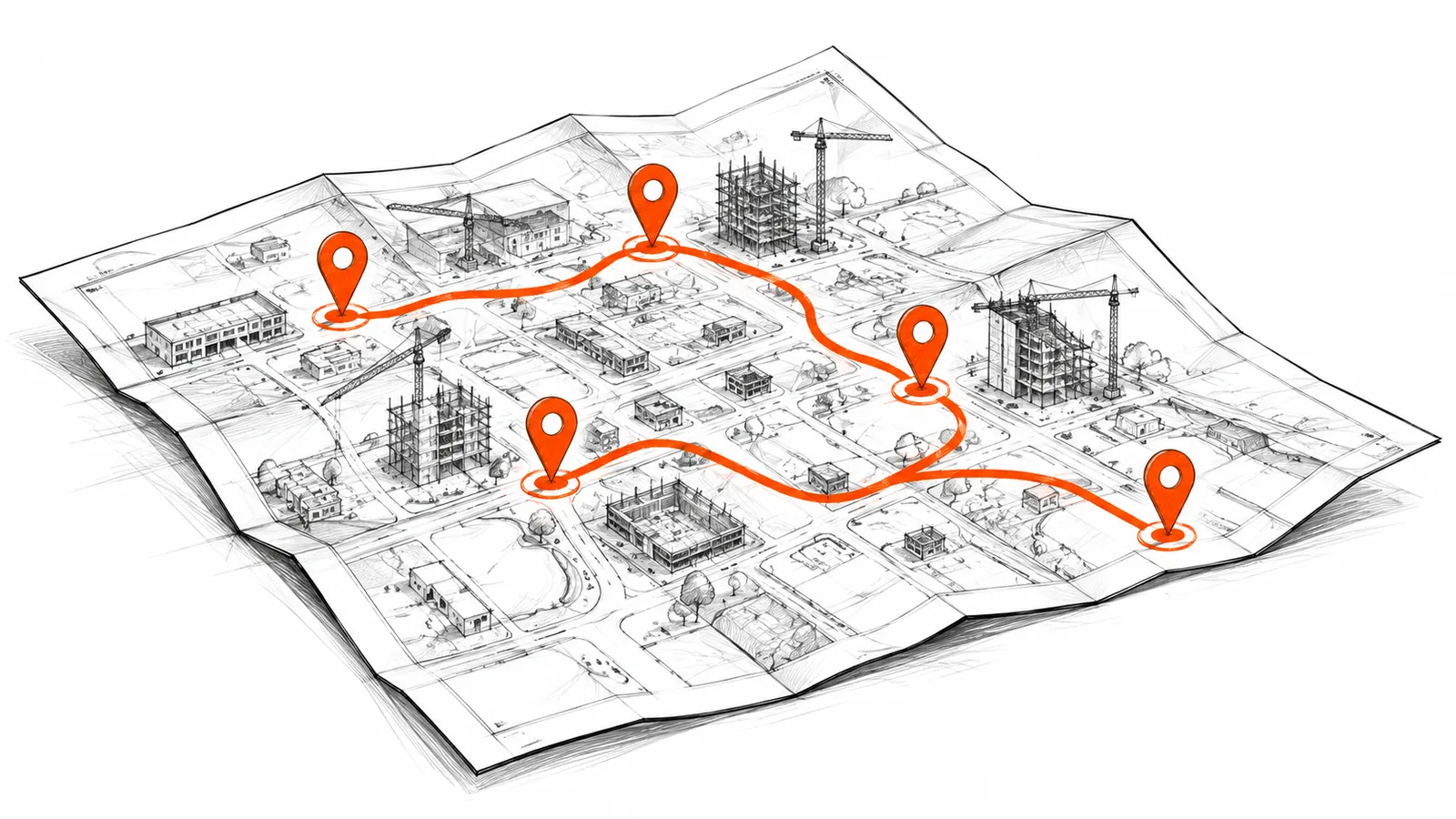
Your implementation plan

Your route from today to your goals, written after the audit. Each step says what to do, why it matters and what success looks like, so your team can check its own progress.

A map with an orange route connecting pinned points.

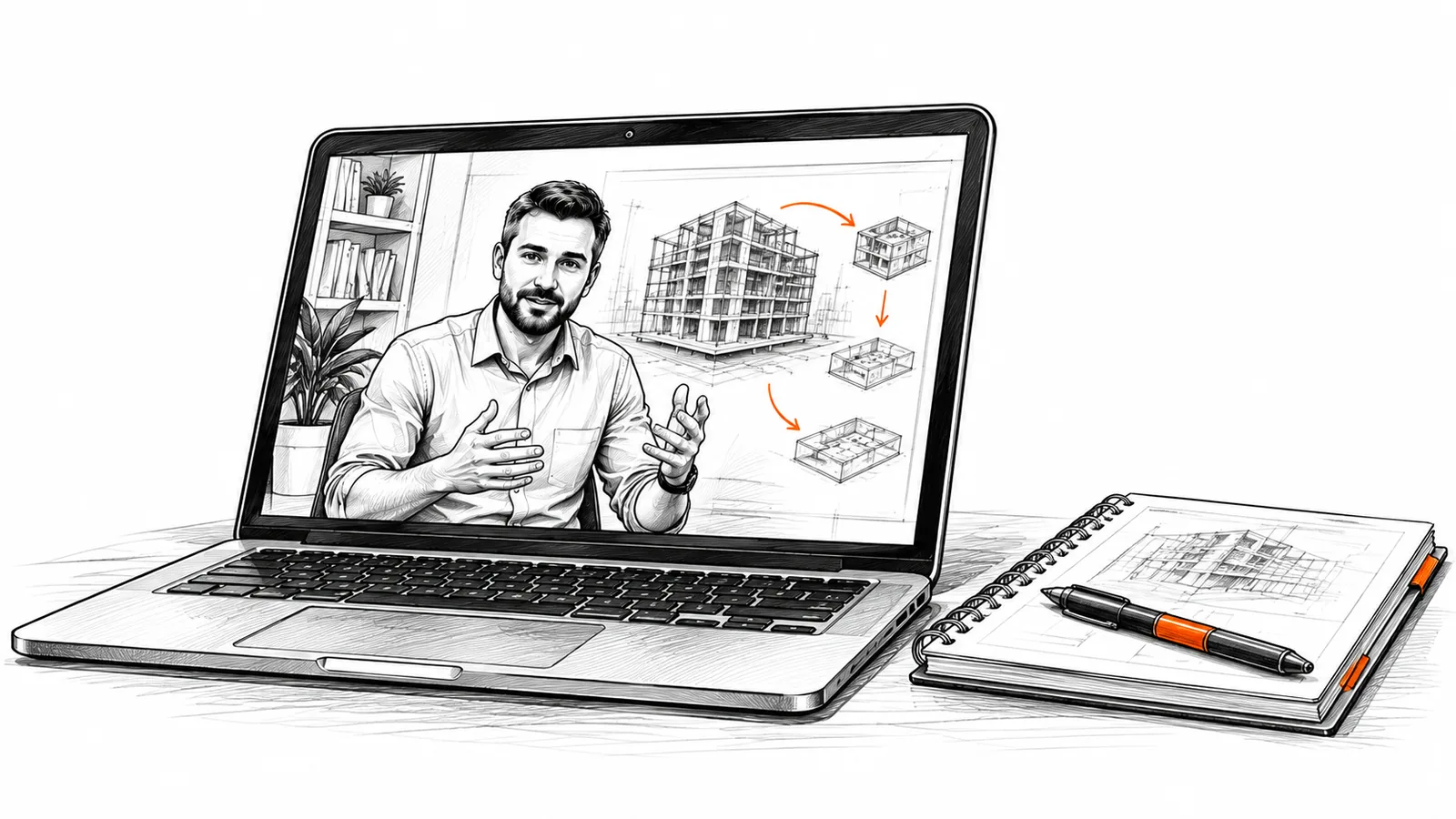
A library of video lessons and downloadable materials

On our online platform you get many video lessons and materials to download: templates, documents and example files that help you put good practices in place. Your plan points to the lessons and materials you need:

  • Foundations of information management on AEC projects.
  • Forma, step by step: how to set it up and work in it every day.
  • Best practices for managing project information.
A laptop showing a video lesson, with a notebook and pen.
Weekly live sessionsBring what is stuck. We solve it together and agree the next step.
Monthly review in your hubI check the real work in Forma and tell you what to fix before you move on.
Live communityAsk questions between the weekly sessions. I answer, and other professionals in the programme can help too.
Progress you can seeA dashboard on your Forma data shows what has improved since the start.

Included

Become BIM Coordinator

Worth 769 EUR, included at no extra cost

CDE ROI Accelerator puts order into your project information. Become BIM Coordinator teaches one person from your team what to do with the models inside it: coordination strategy, model checks, clash detection, issues and coordination meetings.

185 lessons, assignments and a certificate, with lifetime access.

A BIM coordinator at two monitors showing building models.

Tools

You work in the tools you already have

No new platform to buy. The programme works in your own Forma hub and the tools your team uses every day.

Autodesk Forma (ACC)

Files, reviews, transmittals and issues in the hub you already pay for.

Desktop Connector

Forma files in Windows Explorer, synced and locked the right way.

Revit and Navisworks

Models link the current file in Forma, not a copy on the server.

Insight and Power BI

Your dashboard on Forma data, in Insight or in Power BI if you use it.

Your client works in SharePoint, Aconex, ProjectWise or Procore? You don't have to leave them. We agree what goes where, and how files move between the systems.

Is it for you?

Who it's for, and who it's not for

Your role doesn't matter. What matters is that you work in Forma and your team does the work, with my help.

For you

  • Your project information lives in several places, from Forma to servers, email and desktops, and it causes mistakes on your projects.
  • Your team loses time searching for the right file, model or data.
  • You work in Forma, but use it as a cloud drive for storing files, not as a common data environment.
  • You have no shared standards for naming, folders and permissions, so every project is set up differently.
  • You don't measure how your team works with information, so you can't show what improves.

Not for you

  • You want someone to set up and run your hub for you.
  • You only want training on where to click.
  • You don't have a live project to apply the work to.
  • You expect the whole company to change in three months.
  • You work on another platform, such as Procore, Aconex or Dalux, and don't plan to move to Forma.

Who runs the programme

Meet the author of CDE ROI Accelerator

Ink portrait of Ignacy Łoziński.

Ignacy ŁozińskiBIM Information Manager / BIM Coordinator

I turn CDE, information management and ISO 19650 into steps a project team can follow.

For most of my career I have worked as a BIM coordinator and BIM manager on large, digitally advanced projects in the Nordics. Construction projects often bring information chaos and a lot of wasted work. Been there. So now I want to help firms manage their project information in Forma, to make fewer errors and work more efficiently.

15+years on AEC projects
1,000+people trained in BIM
  • ISO 19650 Information Management Practitioner
  • Co-founder of BIM Corner

Free diagnostic session

Start with a free one-hour session

One hour on a call about your problems, your way of working and your goals. Afterwards you get a preliminary plan, whatever you decide.

Free

The session and the plan are free.

  1. 1
    Leave your name and email.Two fields. Then I email you a short form, about 15 minutes, on how your team works today and the problem you want to solve, so I come prepared.
  2. 2
    The session.One hour on a call, at a time you pick from my calendar.
  3. 3
    Your preliminary plan.How I would solve your problems to get you to your goals, and in what order. Yours to keep, whatever you decide.

Questions? Write to me at ignacy.lozinski@bimcorner.com.

FAQ

Questions people ask before they apply

How much does it cost?

Every company pays the same fixed fee for up to three people. After the diagnostic session, you get a written proposal with the price.

How much time does it take?

Three months on one live project. Your plan sets goals you can reach in that time, and you choose the pace.

We're new to Forma. Is that a problem?

No. The programme also teaches Forma itself, from folders and permissions to reviews, transmittals and issues. The basic lessons are ready from day one.

Is there a guarantee?

Yes. If your team does its part and the agreed workflow isn't in place after three months, we continue for 30 more days at no cost. It gives you extra time, not a refund.

Is our company's information kept confidential?

Yes. Your forms and reviews stay between your team and me, and nothing from your hub goes on screen in the weekly sessions without your decision.

Is the diagnostic session really free?

Yes, and so is the preliminary plan. If the programme isn't the right fit for you, I'll tell you.

Stop working from outdated files.

Free, one hour, on a call. You get a preliminary plan, whatever you decide. Questions? Write to me at ignacy.lozinski@bimcorner.com.

Apply for a free diagnostic session
logo

Enter your email below. You’ll get early access to the CDE ROI Accelerator offer when it’s ready, plus practical CDE implementation tips every other Tuesday.

    By joining this mailing, you agree to receive information about news, educational materials, and services from cderoiaccelerator.com

    Still have questions?

    Ask about the program